inm_rspace.workflow module
Examples
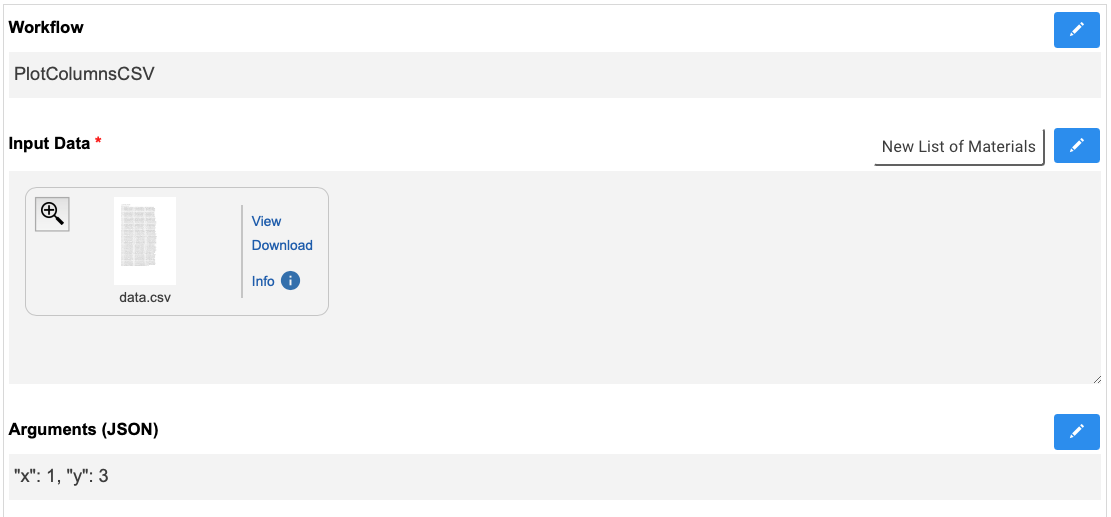
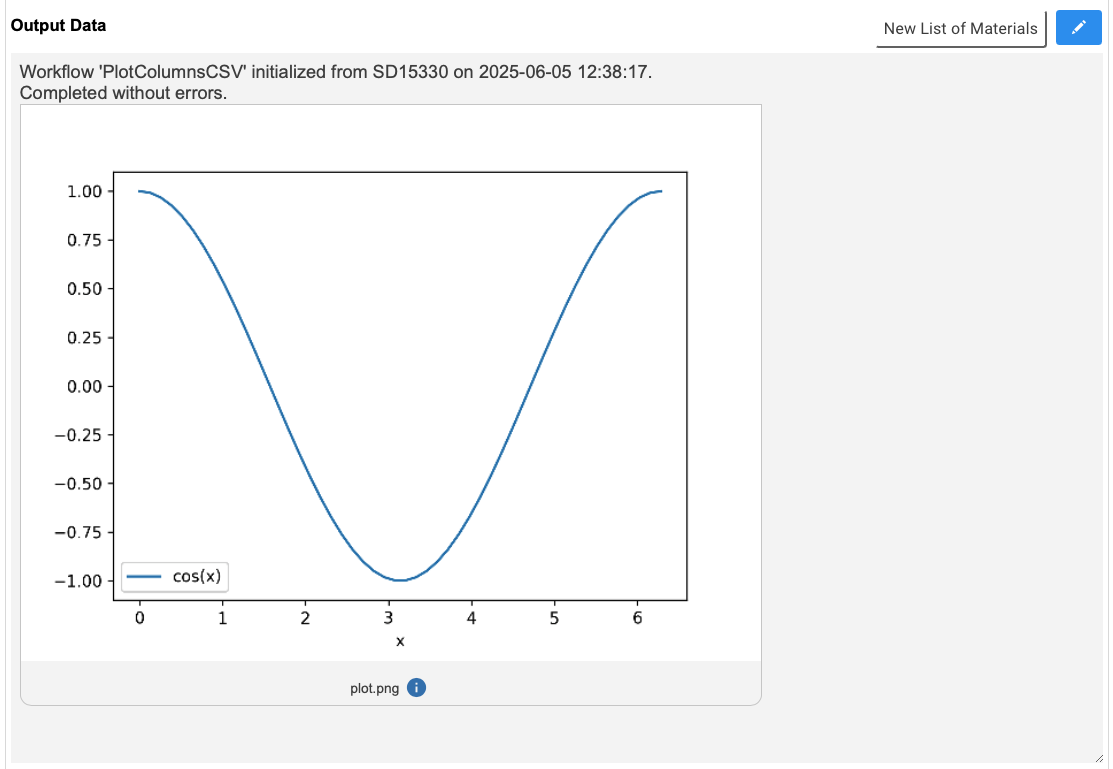
A fully automated workflow that takes RSpace documents with attached CSV files and plots them:
The Input fields in the RSpace document look like this:
The automatically generated Output field looks like this:
The code for this example can be found here.
API documentation
- class inm_rspace.workflow.Workflow(document: dict, path='/home/runner')[source]
Bases:
object- Parent class defining an API for Python workflows that are executed on
RSpace documents.
In order to define a new workflow,
declare a new Python class as subclass of this Workflow class
in that class, redefine functions define(self) and workflow(self, …). (see documentation of those functions below and this example workflow.
- check_args(fun)[source]
Check if the keyword arguments provided to the workflow actually match the valid keyword arguments of a given Python function
- Parameters:
fun (function) – The Python functions whose kwargs to check
- check_workflow()[source]
Check if the requested workflow matches this one. This returns immediately if field_name[‘workflow’] is None.
- define()[source]
Define the properties of the Workflow.
This function should be redefined for every newly created subclass of Workflow.
To request a Workflow, an RSpace document must contain at least the following categories fields, whose field names you specify here:
self.field_name[‘completed’]: a ‘yes’/’no’ tick box specifying whether the workflow was already completed. The workflow will only run if this field says ‘no’ and automatically update it to ‘yes’ upon successful completion.
self.field_name[‘input’]: a ‘Text’ field to which you attach the input files to the workflow
self.field_name[‘output’]: a ‘Text’ field to which the workflow attaches its output files
In addition to the mandatory fields, you can also define the following:
self.field_name[‘kwargs’]: a ‘String’ field that contains valid keyword arguments (defined by self.expected[‘kwargs’]) to the member function self.workflow.
self.field_name[‘workflow’]: a ‘String’ field which lets you specify the workflow you want to execute. If used, the workflow will only execute if its Python class name matches the content of this field. Otherwise, it will always execute if all the necessary fields are present. This option lets you create RSpace Forms eligible for more than one workflow.
- download_files(files)[source]
Download files from the Rspace Gallery into this workflow’s working directory.
- Parameters:
files (list<dict>) – List of Rspace file objects
- get_input_files()[source]
Check if all expected input files have been provided in the request. If yes, download them.
- prepare()[source]
Prepare for workflow execution:
check if request has already been completed
check if the requested workflow matches this one
create a working directory for the workflow
try to download files from the request
- reset_document()[source]
Reset the request document to an empty ‘output’ field and ‘completed’ field ‘no’.